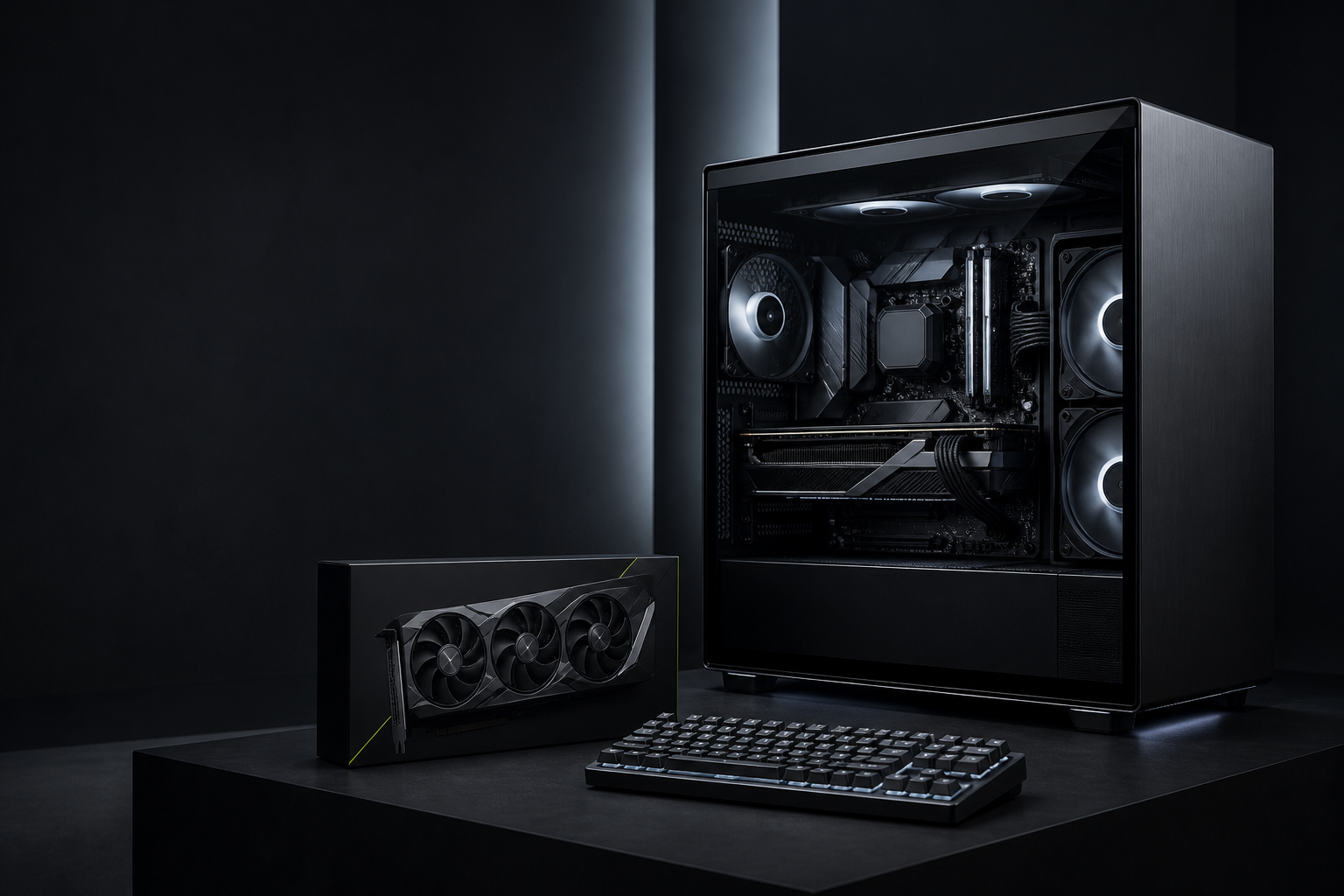
PC Building / EDITORIAL DEMO

How to upgrade an old PC

Find the limiting component before spending on a replacement that changes little.

QUANTA EDITORIALIndividual author byline pending · 5 min read · Publication date pending

Record what you own

Identify the CPU, motherboard, memory, storage, graphics card, power supply and operating system before making an upgrade plan.

Find the bottleneck

The best upgrade depends on your workload. Startup time, multitasking, game performance and storage capacity point to different options.

Check compatibility

New components must be checked against the existing platform and physical case. Do not assume an upgrade will fit or be supported.

FAQ

BEFORE YOU
DECIDE.

Is this a product recommendation?+

No. This guide explains how to evaluate a category. Product availability, pricing and compatibility require verified catalogue data.

Can Quanta check my specific setup?+

Use Build Lab or ask Quanta AI with the components and workload you have.

How to upgrade an old PC | Quanta Computers